Getting started
How to Describe Your App Idea When You Don’t Know Tech Words
Use five plain-language details to turn “I need an app” into a buildable product brief.
6 minute read
Last reviewed August 14, 2026
By Ciptaly Editorial
01 · Foundation
What is it?
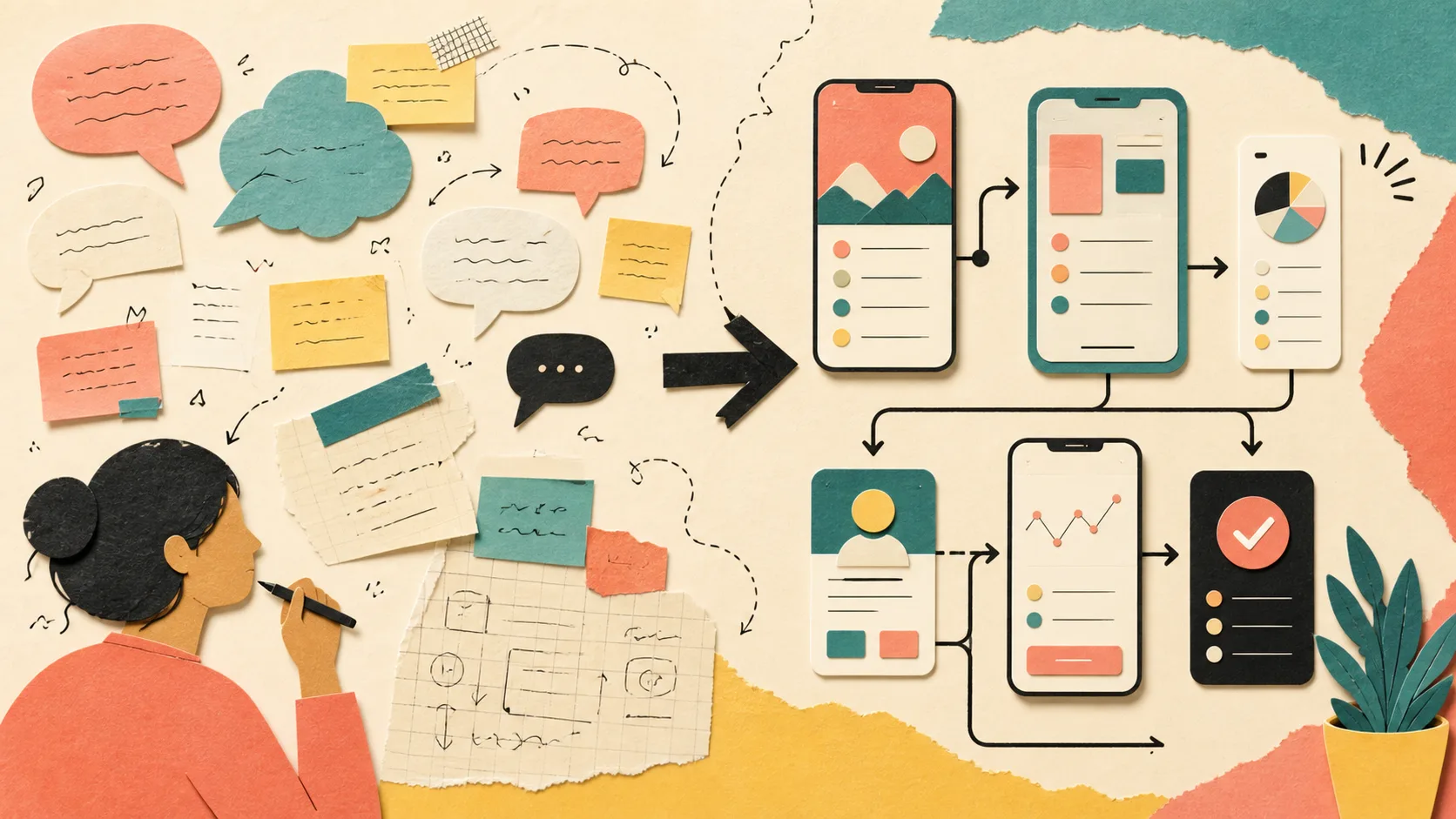
Describe your app idea by naming the people, the task they repeat, what information enters, what should happen next, and what a successful result looks like. You do not need feature names or technical vocabulary.
“Build me a CRM” is a product label, not a complete job. “I need to remember every lead, the last conversation, and who needs a follow-up today” gives a builder the information needed to design useful records and screens.
Short descriptions are fine when they contain a real outcome. Missing business facts should remain questions or editable placeholders; the builder should not invent your prices, customers, or policies.
02 · Case study
Worked scenario
A short voice-note style brief becomes a usable service system
Consider a home-service owner who says: “Customer always WhatsApp me, I forget which job already confirm and which worker I sent.” The sentence is informal, but it contains the essential product facts: customers start the flow, jobs change state, a team member is assigned, and missed information causes pain.
A useful builder translates that language into customer, request, assignment, and status records without replacing the owner’s meaning. It may infer a daily work queue and a confirmation state because those are reversible design decisions. It must not invent prices, service areas, staff names, or payment rules.
The resulting first draft can then ask the owner to validate the flow with one believable job. If the record shows who requested what, who owns it, and what happens next, the idea is already far more buildable than a long list of fashionable features.
Takeaway
Plain language is product evidence when it names people, repeated work, and the point where things go wrong.
Illustrative worked example. It shows the decision process, not a claimed Ciptaly customer result.
03 · Practical process
How to approach it
- 01
Who uses it?
Name customers, staff, managers, members, students, or just yourself.
- 02
What starts the flow?
Examples include a form submission, new order, booking request, uploaded file, or manual entry.
- 03
What must be remembered?
List the few details you would be upset to lose: contact, date, amount, status, owner, notes, or attachments.
- 04
What changes over time?
Describe useful stages such as new, contacted, approved, scheduled, paid, completed, or cancelled.
- 05
What should become easier?
State the result in human terms: fewer missed follow-ups, faster booking, clearer ownership, or one source of truth.
04 · Keep this honest
Quick checklist
- People
- Trigger
- Information
- Stages
- Desired outcome
05 · Conclusion
The practical conclusion
Write the way you speak. A responsible product process should extract structure from your words, not demand that you learn software language first.
Use the checklist above to test the first version against one real job. Keep the facts truthful, improve one outcome at a time, and let the product grow from evidence rather than assumptions.
06 · Common questions
What beginners usually ask
What if my description is only three words?
A capable optimizer can infer a safe starting structure, but it should ask one focused question when the domain or job is genuinely unclear.
Should I list every feature?
No. Start with the job and constraints. Features are easier to choose after the workflow is understood.