
Lead guide02
How to Describe Your App Idea When You Don’t Know Tech Words
Use five plain-language details to turn “I need an app” into a buildable product brief.
Ideas, systems, design and launch—explained for people who do not speak tech.
Start with the outcome you want. These guides help you turn rough words into a product that works.
Chapter
4 field-tested guides
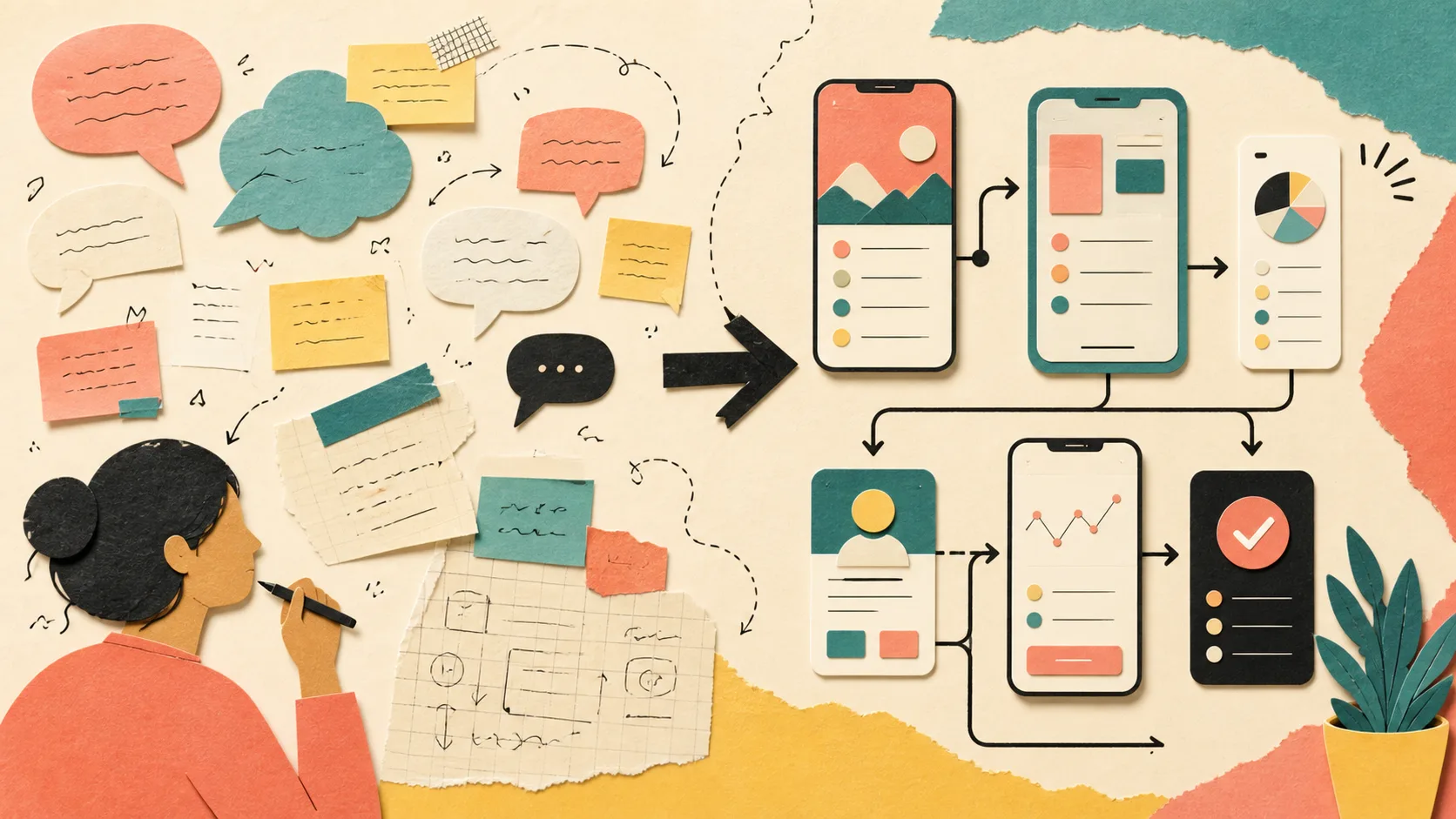
Use five plain-language details to turn “I need an app” into a buildable product brief.

Learn how a prompt optimizer expands simple words into a structured product plan without changing your intent.

Compare prompt-first AI builders with visual no-code platforms by workflow, control, learning curve, and maintenance.

A simple method for choosing the smallest complete feature set that proves your app is useful.
Chapter
5 field-tested guides

Plan a useful business website around customer decisions, clear proof, and a real conversion path.

Design a booking flow that handles availability, customer details, confirmation, status, and operational follow-up.

Create a focused CRM for contacts, conversations, follow-ups, ownership, and next actions.

Choose the right system based on where customer work starts, where it gets stuck, and who must act next.

Translate people, triggers, records, decisions, statuses, and outcomes into a buildable workflow.
Chapter
5 field-tested guides

Map the shortest clear path from a user’s starting point to a useful result.

Understand records, fields, relationships, and history without learning database jargon first.

Give each person the minimum access needed to complete their work safely.

Choose operational metrics that lead to action instead of filling a dashboard with vanity charts.
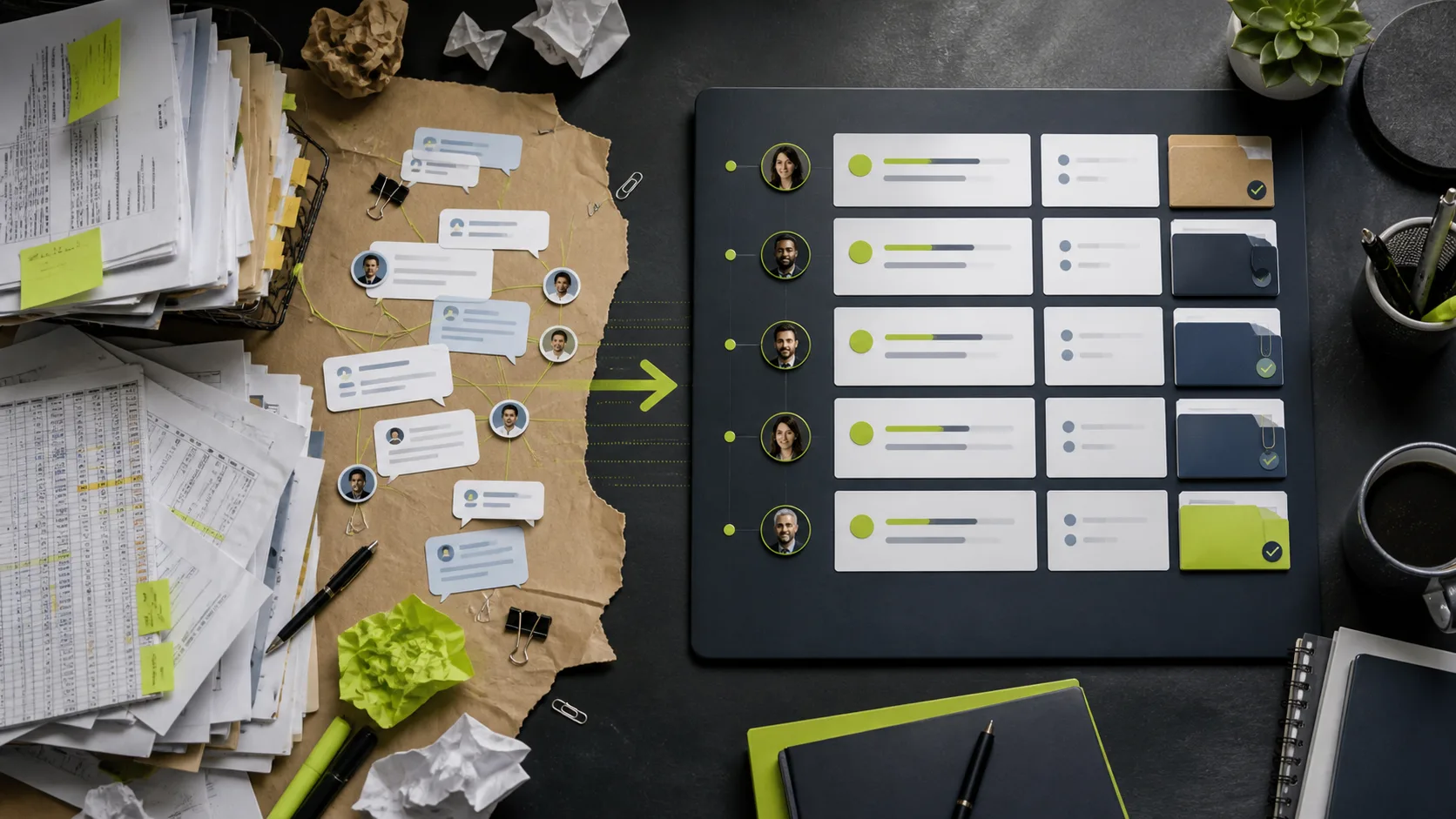
Turn a repeated manual operation into a focused tool your team can actually adopt.
Chapter
5 field-tested guides

Replace predictable AI sections with an industry-specific visual system, real content, and purposeful composition.

Create a small set of visual rules that keeps every page coherent and easy to change.

Check hierarchy, touch targets, forms, navigation, loading, and overflow on a real small screen.

Choose useful, truthful visuals that strengthen identity, understanding, and trust.

Help the right visitor understand the promise, believe it, and take one clear next step.
Chapter
5 field-tested guides

Verify real workflows, permissions, data, errors, accessibility, and mobile behaviour before publishing.

Prepare domain, metadata, forms, analytics, security, backups, and launch checks before going live.

Review authentication, authorization, secrets, validation, data exposure, abuse controls, and recovery.

Map collected data, purpose, access, retention, providers, user rights, and truthful public notices.

Compare speed, cost, discovery, control, quality assurance, maintenance, and risk.
Chapter
5 field-tested guides

Create a focused consulting site around expertise, fit, evidence, and a qualified conversation.

Model services, staff, durations, buffers, availability, customer changes, and reminders.

Connect enquiries, property details, service requests, assignments, payment status, and follow-up.
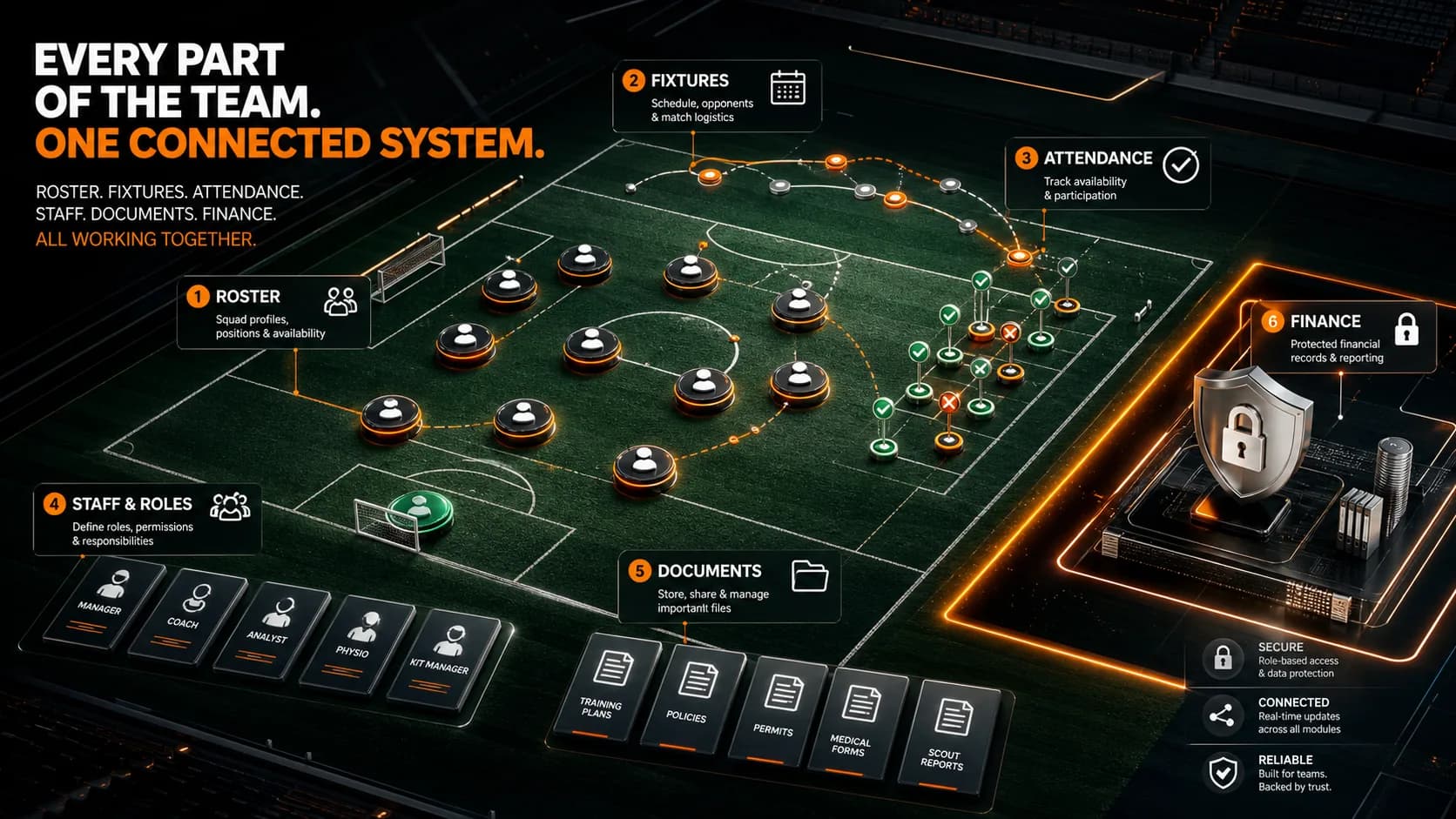
Organize players, availability, schedules, attendance, staff roles, documents, and approved finance records.

Plan products, collections, product detail, cart, checkout, fulfilment, and support without confusing retail with services.
Ready to build?